
Tablе of Content
- 1 Why Is Mac mini a Base for AI Use Cases?
- 2 What Tasks Is an AI Mac Best Suited For?
- 3 Local AI on Mac mini and in the Cloud — What Is the Difference?
- 4 Which Mac mini Configuration Should You Choose for AI?
- 5 What Can You Actually Do on a Mac mini with AI Every Day?
- 6 Step-by-Step Setup: From a “Clean Mac mini” to a Working AI Stack
In 2026, the IT community in Europe and the United States is experiencing a technology trend: specialists are massively buying compact Apple PCs based on M4 and M4 Pro processors. The popularity of the Mac mini for AI is explained by the fact that users can deploy their own server, where an autonomous agent will take over routine tasks.
Why Is Mac mini a Base for AI Use Cases?
Apple Silicon chips provide smart algorithms with instant access to unified memory. This allows artificial intelligence to work quickly, processing user requests.
Mac mini is popular thanks to its quiet operation even under load. Power consumption during standard requests is only 10–15 W, which makes it possible to maintain round-the-clock device operation while avoiding high utility bills.
What Tasks Is an AI Mac Best Suited For?
ML computing has found wide application. Users entrust routine tasks to automated systems and optimize their work schedule. Who uses AI and how:
- developers test software code using bots;
- business owners implement algorithms for inventory, product accounting, and communication with customers;
- scientists analyze huge amounts of information locally;
- enthusiasts of new technologies integrate AI into smart home systems or fitness trackers.
For example, developer Khairallah Al-Awadi bought 12 PCs at once to run bots in parallel.
Local AI on Mac mini and in the Cloud — What Is the Difference?
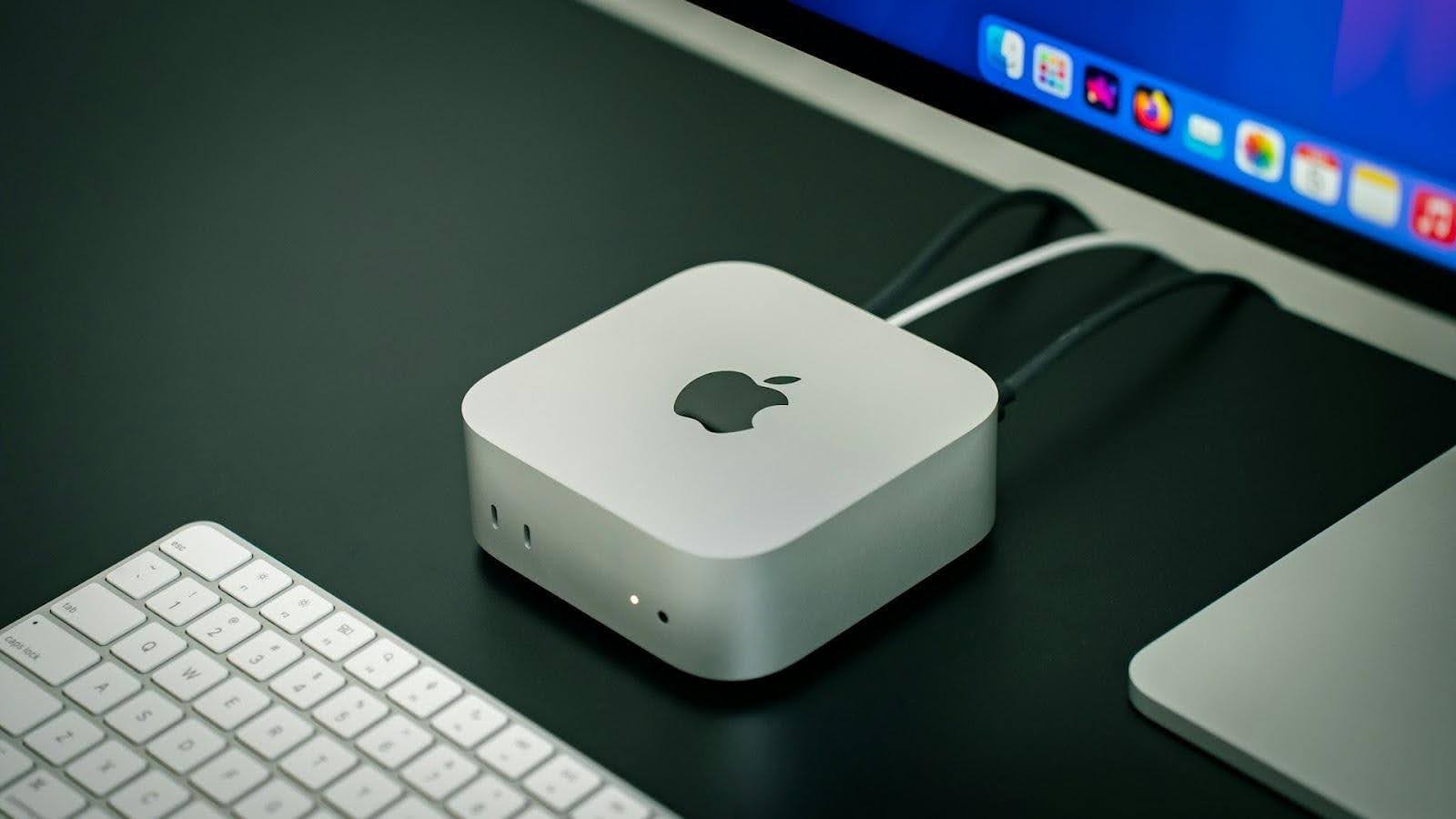
Local AI is a model that works without a direct connection to a server. Although it takes a bit more effort to install, it has advantages. LLM models on Mac work without the internet, are fully private, and initiate actions on their own.
More familiar services such as ChatGPT, Claude, and Perplexity work in the cloud. They are slightly easier to set up but require a constant internet connection.
What Tools Are Most Often Used?
To create a workstation, you need the right software setup. Experts use the following set of utilities:
- Open WebUI provides an interface for managing models;
- OpenClaw works as an advanced agent layer on top of basic systems;
- Ollama and LM Studio allow you to deploy powerful language models, such as Mistral or DeepSeek, without an internet connection;
- MLX and MLX-LM for Apple Silicon optimize machine learning and are adapted to Apple’s proprietary architecture.
Each service runs in isolation inside dedicated containers. At the same time, the software does not interfere with the Mac mini performing its tasks.
Perplexity Personal Computer: Why Is It Getting So Much Attention?
The essence of the “smart computer” concept is that AI tools run continuously in the background, studying the context of your latest actions. Artificial intelligence does not wait for a direct request but acts proactively, taking on the role of a digital assistant. And Mac mini is well suited for the role of a local AI node, processing your requests and supporting agent operation.
OpenClaw (Formerly Clawdbot/Moltbot)
Clawdbot was developed by Peter Steinberger, the founder of PSPDFKit. It runs directly on the computer, connecting to Telegram, WhatsApp, or Discord. Unlike standard scripts, Clawdbot remembers communication history, tracks deadlines, and can independently open a browser or system terminal.
Which Mac mini Configuration Should You Choose for AI?
The technical specifications of the hardware directly affect the response speed of algorithms. When choosing, you need to pay attention to the amount of unified memory:
- 16 GB is optimal for basic text generation and simple commands;
- 32 GB is suitable for running several threads;
- 64 GB is needed for scientific analytics and working with multimedia.
When buying equipment, always allow for a small reserve of computing power for the coming years. Neural networks are constantly updated, and the system should handle more demanding software versions.
What Can You Actually Do on a Mac mini with AI Every Day?
A proper AI setup on a Mac mini can free up about 4 hours for you every day. Content creator Alex Finn shared an interesting example of use on X. In just a few days, his bot collected a competitor database, prepared scripts for YouTube, built an email campaign, and systematized current projects.
Step-by-Step Setup: From a “Clean Mac mini” to a Working AI Stack
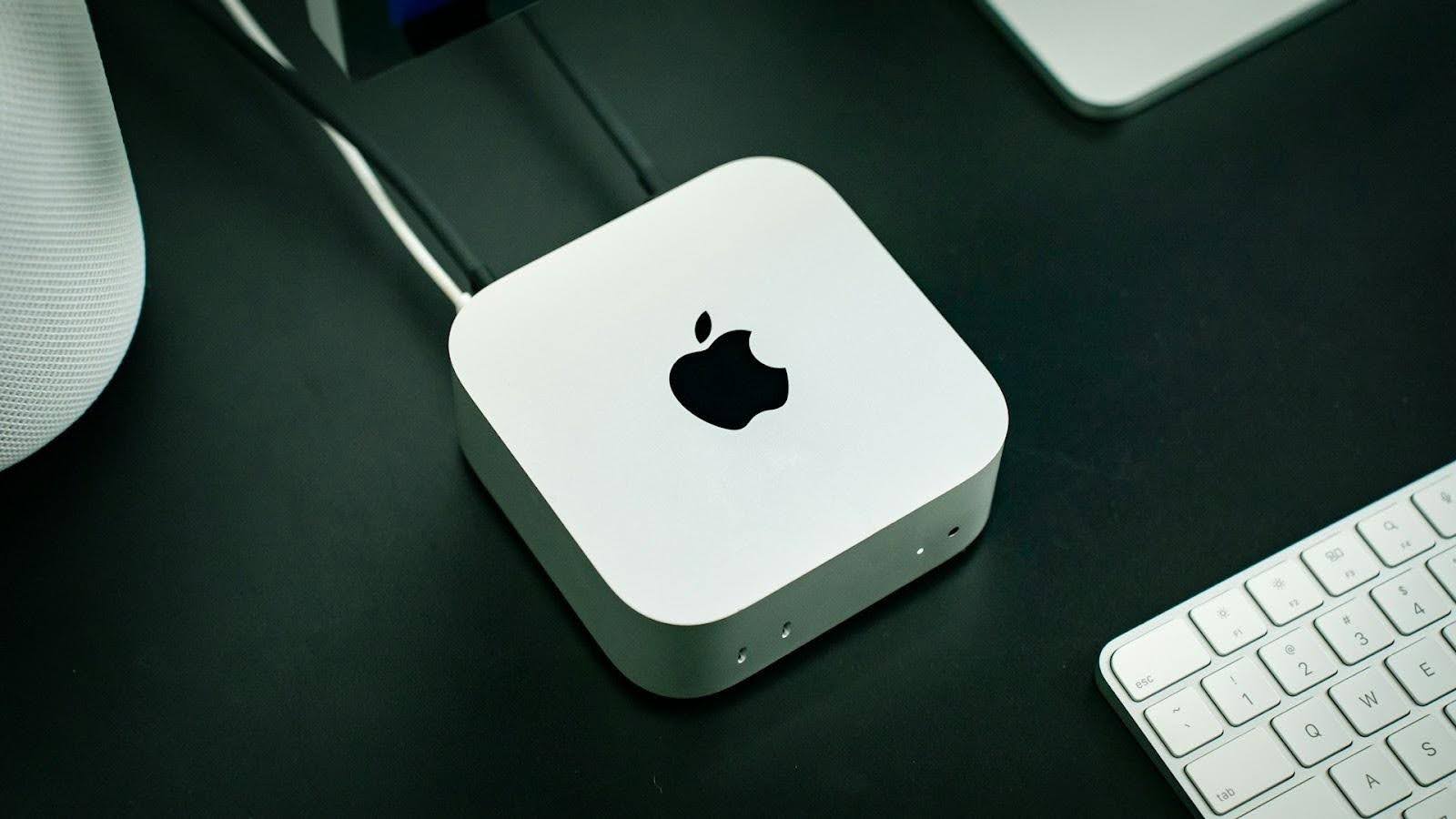
A basic configuration can be assembled in a few hours if you deploy the key components right away. What to do:
- Update macOS and install the necessary tools you plan to use.
- Launch the services in Docker to separate environments and avoid conflicts.
- Install Ollama and download a model for local launch. The network is required only at the download stage.
- Create a structured knowledge base through Obsidian.
- Set up automation through the agent layer.
- Connect secure remote access through Tailscale or Ngrok.
Then the system is refined for specific tasks. For example, system-level protection — Gatekeeper, XProtect, and System Integrity Protection — restricts the launch of unsafe code and reduces environment vulnerability. 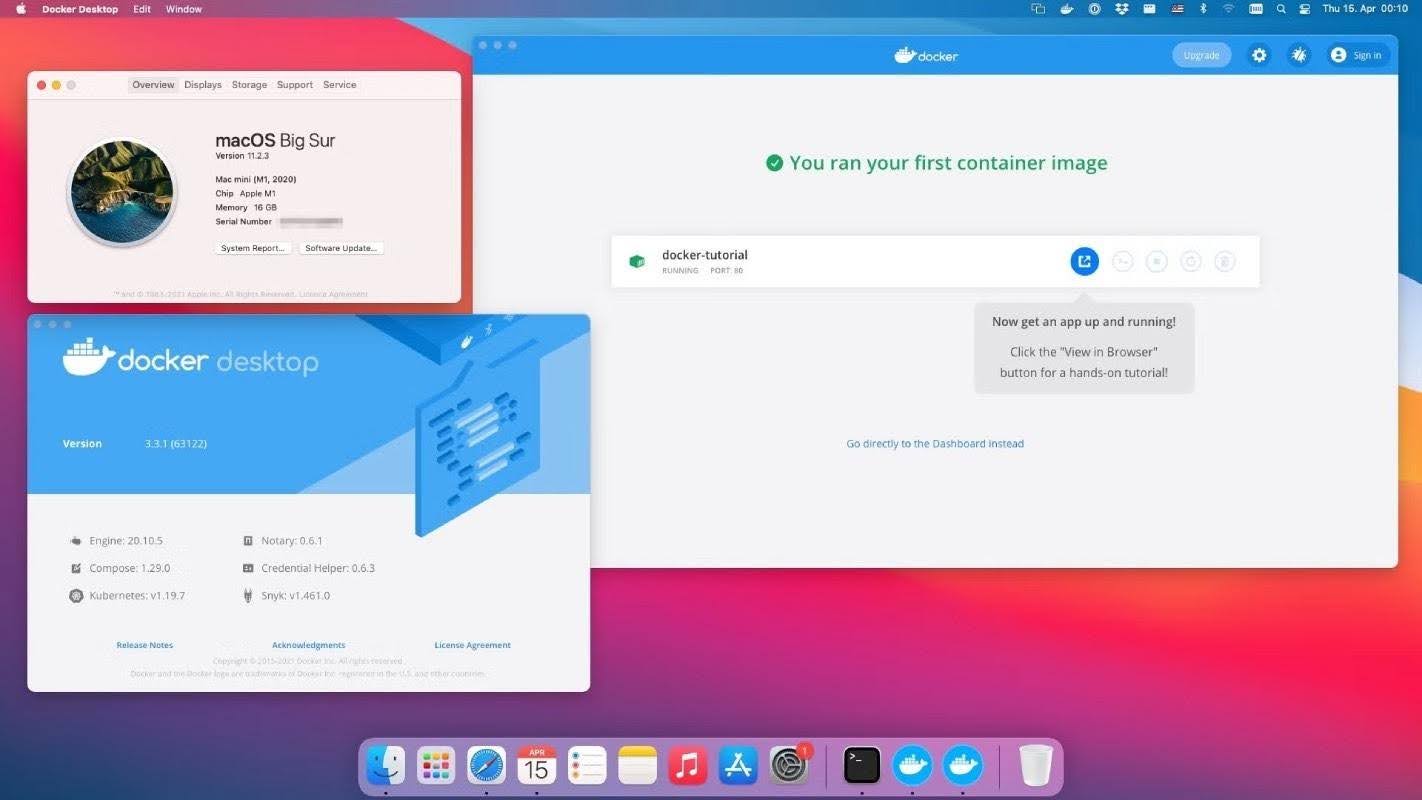
The transition to AI tools changes the work routine. And the Mac mini is suitable as a main device. You can order a suitable model at iSpace — Apple Premium Reseller in Armenia. We offer certified devices, expert assistance, and favorable purchase terms.
ALSO READ:
iMac or Mac mini: Choosing a Universal Computer for Study and Entertainment
MacBook Air With The M5 Chip — A Unique New Release Of The Year
iPhone 17e — What’s New That Apple Offers
Always be aware!
Subscribe to the newsletter and be the first to know about new promotions and special offers