
Tablе of Content
A laptop for studying should deliver stable performance across a range of applications, from Safari and Excel to specialized software. When choosing a device for school or university, it is important to focus on current needs while leaving enough performance headroom for the future. This article explains how to choose a good device in 2026 without overspending.
How to Choose a Laptop for Studying?
Before buying a laptop for a school or university student, assess the main workload and everyday tasks. Pay attention to aesthetics, portability, and technical specifications.

Processor
The CPU determines how quickly demanding applications launch and how stable the system remains under load. The GPU and Neural Engine handle graphics and AI-powered features. Apple chips can easily cope with both routine and more specialized tasks. In 2026, developers also introduced a “smartphone-style” processor in the new Neo model for the first time, and it handles messengers, AI tools, and light photo editing with ease.
Display
A high-resolution Liquid Retina display helps reduce eye strain during long hours of working with small text and spreadsheets. A screen size of 13 inches or more is enough to comfortably split the workspace into two windows for multitasking.
Size
A good laptop should be portable enough to carry to classes every day. A compact body and low weight are major advantages of the MacBook Neo, which weighs just 1.23 kg, the same as a model from the Air lineup.
Battery Capacity
Battery life is an important factor for studying away from home. MacBook models from different series typically last from 16 to 24 hours of video playback on a single charge, so there is often no need to carry a power adapter to class.
Best MacBooks for Studying: Comparing the Specifications
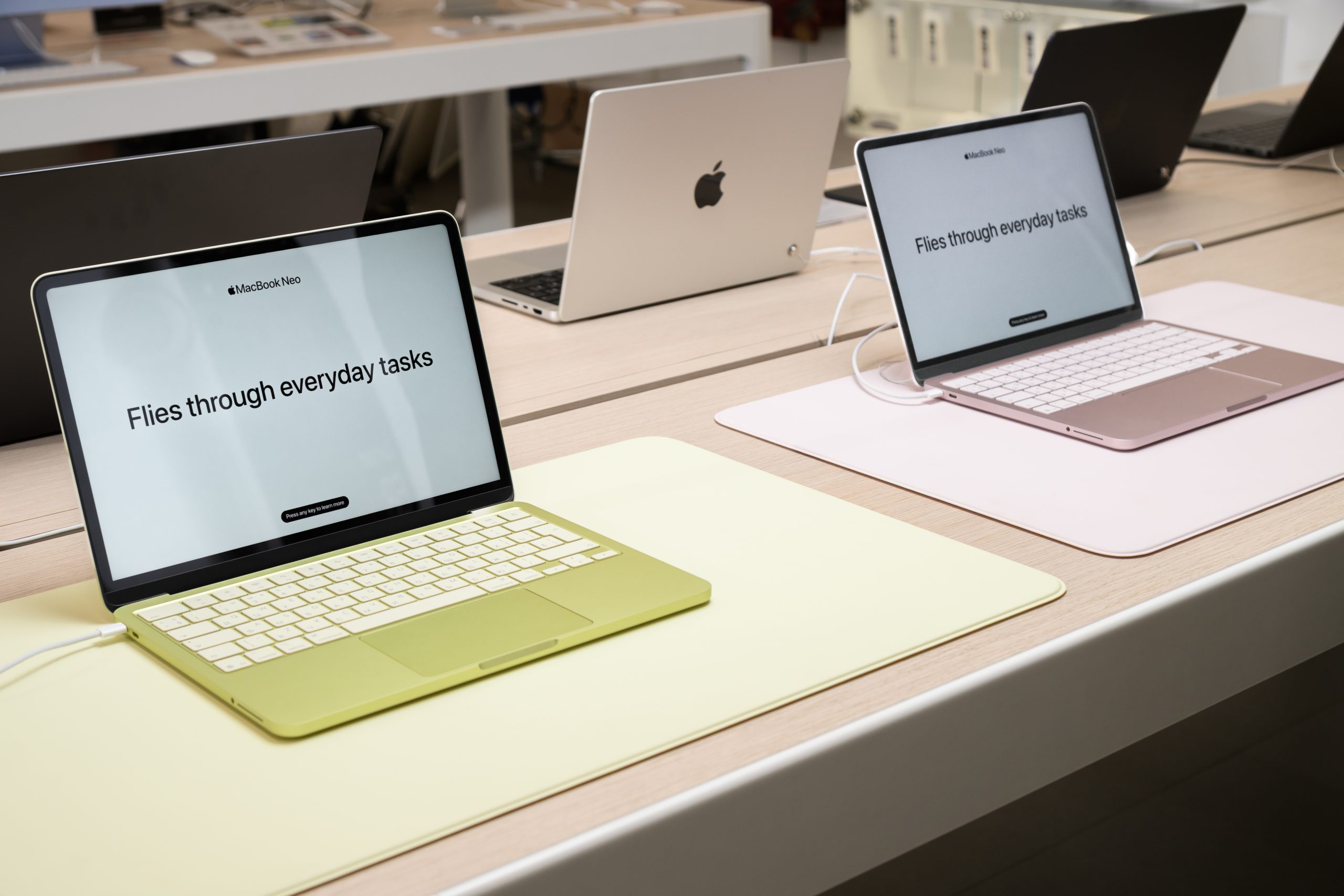
Current Apple laptop lineups handle both basic and more specialized tasks with ease. Consider the following models:
- MacBook Neo – powered by the A18 Pro chip, it is ideally balanced for most everyday tasks;
- MacBook Air (13″ and 15″) – a classic option with the M5 chip and up to 18 hours of battery life;
- MacBook Pro (14″ and 16″) – delivers uncompromising performance with Pro and Max se
When choosing a MacBook for studying, it is important to consider the student’s future specialization and the technical requirements of the software. For some, lightweight design matters most, while others need a higher number of GPU cores.
| Parameters | MacBook Neo | MacBook Air | MacBook Pro |
|---|---|---|---|
| Chip | A18 Pro | M5 | M5, M5 Pro, M5 Max |
| Cores | CPU – 6 / GPU – 5 | CPU – 10 / GPU – 8–10 | CPU – 10–18 / GPU – 10–32 |
| Unified Memory | 8 GB | From 16 GB | From 16 GB |
| SSD | 256–512 GB | From 512 GB to 4 TB | 1–8 TB |
| Display Size | 13 inches | 13.6 and 15.3 inches | 14.2 and 16.2 inches |
| Display Type | Liquid Retina | Liquid Retina | Liquid Retina XDR |
| Battery Life | Up to 16 hours | Up to 18 hours | Up to 24 hours |
| Best For | Essays, notes, browser use | Studying, design, basic programming | IT development, video, graphics, 3D rendering |
Regardless of the laptop model, macOS has a clear and intuitive interface. The durable aluminum body is built for constant everyday use, and the battery will not need replacement after just a few months.
For Studying and Creativity
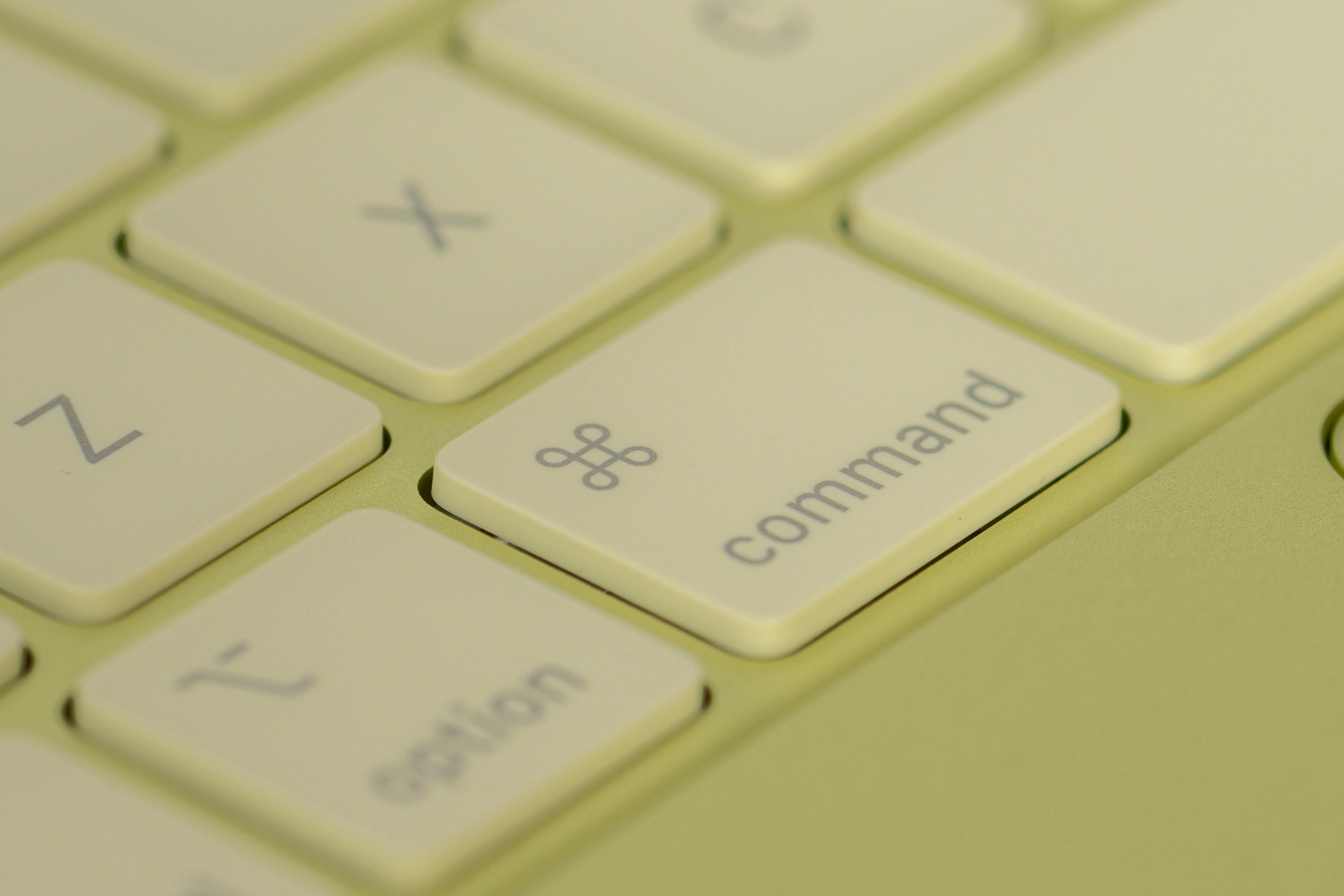
If you are looking for a laptop for a school or university student that can handle both studying and creative work, consider the 2026 release – Neo. It is suitable for homework, research
projects, finding information, communication, and other everyday tasks. The laptop runs for up to 16 hours on a single charge, which puts it ahead of most budget Windows models. Many devices in the same price range also use plastic bodies, while this one comes in aluminum.
It is also a convenient way to get familiar with the Apple ecosystem. AirDrop lets you transfer files between devices in seconds, you can start writing on an iPhone and continue on a MacBook right away, and a link copied on an iPad can be pasted onto another device without extra steps.
The design deserves separate attention as well. In addition to the classic Silver shade, Neo is the only model available in bright colours such as Blush, Indigo, and Citrus.
MacBook: If You Need More Power
If you need extra performance headroom, take a look at models based on the M5 chip, available in the Air and Pro lineups. For example, they give future designers, marketers, and journalists more flexibility when working with demanding tasks.
A Laptop for Demanding Tasks
If maximum performance in a compact form factor is the priority, it makes sense to consider models with M5 Pro and M5 Max chips. For example, devices from the Pro series are well suited to students studying architecture, engineering, or film production. The active cooling system helps maintain peak performance steadily for many hours
Apple devices easily cover the needs of students with different workloads. MacBook Neo offers a particularly well-balanced mix of portability, performance, and price. If more specialized power is required, the Air and Pro lineups are worth considering. You can buy Apple devices at iSpace, a chain of stores with Apple Premium Reseller status in Armenia. In physical stores, customers can test current devices in person, while experts help with selection and initial setup. Orders can also be placed on the website with convenient payment and delivery options.FAQ
Which laptop is better for gaming and studying?
The 2026 Neo model is often chosen by those who want a compact device with all the advantages of the Apple ecosystem. It supports AI features, and thanks to the powerful A18
Pro chip and macOS optimization, it delivers smooth performance in apps, study tasks, and mid-level games.
Which MacBook is better for a school or university student?
Students often choose the lightweight and durable MacBook Neo. It is compact, sturdy, and visually appealing. It lasts through the day on a single charge and handles AI-based tools with ease.
How can you reduce the cost of buying a laptop for studying?
Mac devices maintain stable performance for years, which makes them practical for study. There is no need to replace them every year or change the battery soon after purchase, so a MacBook remains a long-term investment in tech. To reduce the financial burden, you can choose an installment plan or use the Trade In program at iSpace stores.
ALSO READ:
iMac or Mac mini: Choosing a Universal Computer for Study and Entertainment
MacBook Air With The M5 Chip — A Unique New Release Of The Year
iPhone 17e — What’s New That Apple Offers
Always be aware!
Subscribe to the newsletter and be the first to know about new promotions and special offers