Tablе of Content
Apple Creator Studio subscription allows you to work with a package of professional apps on iPad and Mac. It includes six specialized programs for working with content: Final Cut Pro, Pixelmator Pro, Logic Pro, MainStage, Motion, and Compressor, as well as premium AI features in standard apps: Pages, Numbers, Keynote, and Freeform.
The subscription costs $2.99–$12.99 per month, depending on the plan. Signing up is simple: download the Apple Creator Studio package from the App Store to your device. You can also use a free one-month trial period.
In this article, we will take a closer look at which options are included in Apple Creator Studio, whether there are any device requirements, and how to pay for the subscription.
What Is Apple Creator Studio?
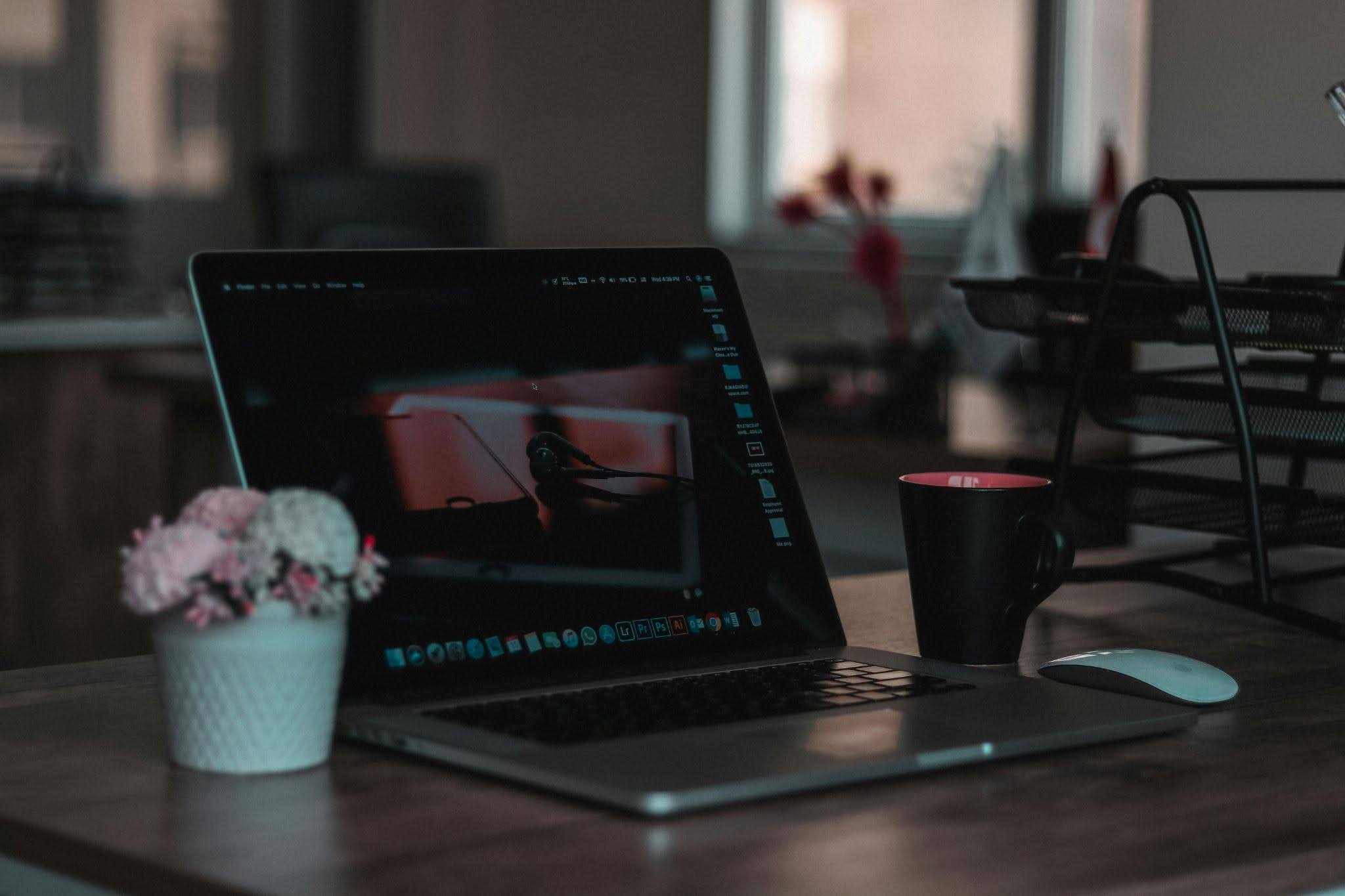
Apple Creator Studio is professional software and brand services for creativity, combined into one subscription. Starting January 28, 2026, the package is available in the App Store. With it, you get access to a full library of apps that previously had to be purchased separately. This software makes it easier to work with music, graphics, and video.
Who Is the Subscription Created For?
Apple Creator Studio is suitable for creative content creators who work within the brand’s ecosystem.
| Profession | Purpose | Why It May Not Be Suitable | Alternative Apps |
| Video editor | Frame editing, color correction, and other post-production stages | Not suitable for those who work on Windows | Adobe Premiere Pro |
| Music producer, sound engineer | A wide selection of samples and plugins | Ableton Live | |
| Blogger, content maker | Using AI tools for automatic subtitles, quick background removal, and adapting videos to different formats | Adobe Express |
The subscription is beneficial for students in creative fields, as the brand has a special offer for them.
How Is Apple Creator Studio Different from Separate Apps?
Now you do not need to buy each program separately — you get access to all the apps in the package at once and can use them on different devices. You can shoot a video outdoors and immediately start editing it on your iPad, then finish the project on your Mac at home.
What Is Included in Apple Creator Studio?
The subscription includes premium versions of six programs. Mac-only apps include:
- Motion — animation and titles;
- Compressor — file optimization;
- MainStage — live performance use.
The following programs work on both Mac and iPad:
- Final Cut Pro — video editing;
- Pixelmator Pro — retouching and design;
- Logic Pro — track creation and mixing.
You also get access to premium AI features in standard apps, which can also be used on iPhone. For example, in Pages, AI checks text for errors and quickly rewrites it in the style you need. In Keynote, you can generate illustrations and full slides from a description. In Numbers, you can write text prompts for formulas, and AI can also automatically fill tables based on context. In Freeform, it is easy to turn a sketch into an image.
Limitations and Requirements
Your device must have an M1 chip or newer to use all the benefits of the subscription. If your Mac has an Intel processor, you can work in the apps, but AI features will not be available. For Pixelmator Pro, the latest OS is required: macOS 26 or iPadOS 26.
How Much Does Apple Creator Studio Cost?
The subscription price depends on the selected plan:
- individual — $12.99 per month or $129 per year;
- education — $2.99 per month or $29.99 per year.
The individual plan can be shared with up to five family members for free. The education plan is intended for students and teachers. The trial period can be used for one month.

How to Pay for Apple Creator Studio
To sign up for the subscription, use a Mac or iPad. The process is simple:
- Download Apple Creator Studio from the App Store.
- Open any of the six programs. Click “Continue” after the welcome window appears.
- Click the “Accept Free Trial” button.
- Confirm the purchase using your account password, Touch ID, or Face ID.
If you have any questions about paying for the subscription, you can get help from iSpace experts — Apple Premium Reseller in Armenia. By the way, in our physical stores in Yerevan and online store, you can buy original Mac, iPad, and other brand devices. Several payment methods are available, including credit and installment plans.
FAQ
Which is better — Apple Creator Studio or Adobe?
Apple’s subscription is ideal for creative professionals who use Apple devices. It costs less but gives access to useful programs.
Does Apple Creator Studio use AI?
AI features are available in all apps. For example, in Logic Pro, you can instantly find a similar loop, and in Final Cut Pro, you can separate elements from the background.
Is the subscription only suitable for iPad?
You can work on the programs on Mac, iPad, and even iPhone. However, some apps are available only for macOS.
What happens to my projects after I cancel the subscription?
After cancellation, projects remain on the device or in iCloud. After renewing the payment, you can easily continue working in the professional programs.
ALSO READ:
iMac or Mac mini: Choosing a Universal Computer for Study and Entertainment
MacBook Air With The M5 Chip — A Unique New Release Of The Year
iPhone 17e — What’s New That Apple Offers
Always be aware!
Subscribe to the newsletter and be the first to know about new promotions and special offers