
Tablе of Content
The MacBook Air ultrabook with an M-series chip is suitable for programming. The optimal minimum for most specialists is 16 GB of unified memory and an SSD starting from 512 GB. If you work with several development environments, local servers, containers, or plan to study a more resource-intensive field, it is better to consider 24 GB of memory.
MacBook Air launches applications quickly, remains stable in multitasking mode, makes no noise, and holds a charge for a long time. This is convenient if you need a laptop not only for a fixed workplace but also for trips, classes, or work outside the office.
In this article, we will discuss in detail whether MacBook Air is suitable for programming and what tasks it can handle. If you still have questions, ask the iSpace experts in physical stores in Yerevan, by phone, or via chat on the website. We will be happy to help.
Why Is MacBook Air Suitable for Programming?
Why is MacBook Air a good fit for programmers? There are at least four reasons:
- The high-performance Apple Silicon chip remains energy-efficient and productive even under load. It handles several projects, code compilation, and dozens of open tabs.
- The Liquid Retina display with high pixel density shows text and small details clearly. True Tone technology adapts the display’s colour temperature to the surrounding lighting. As a result, your eyes do not get tired even during long code debugging sessions.
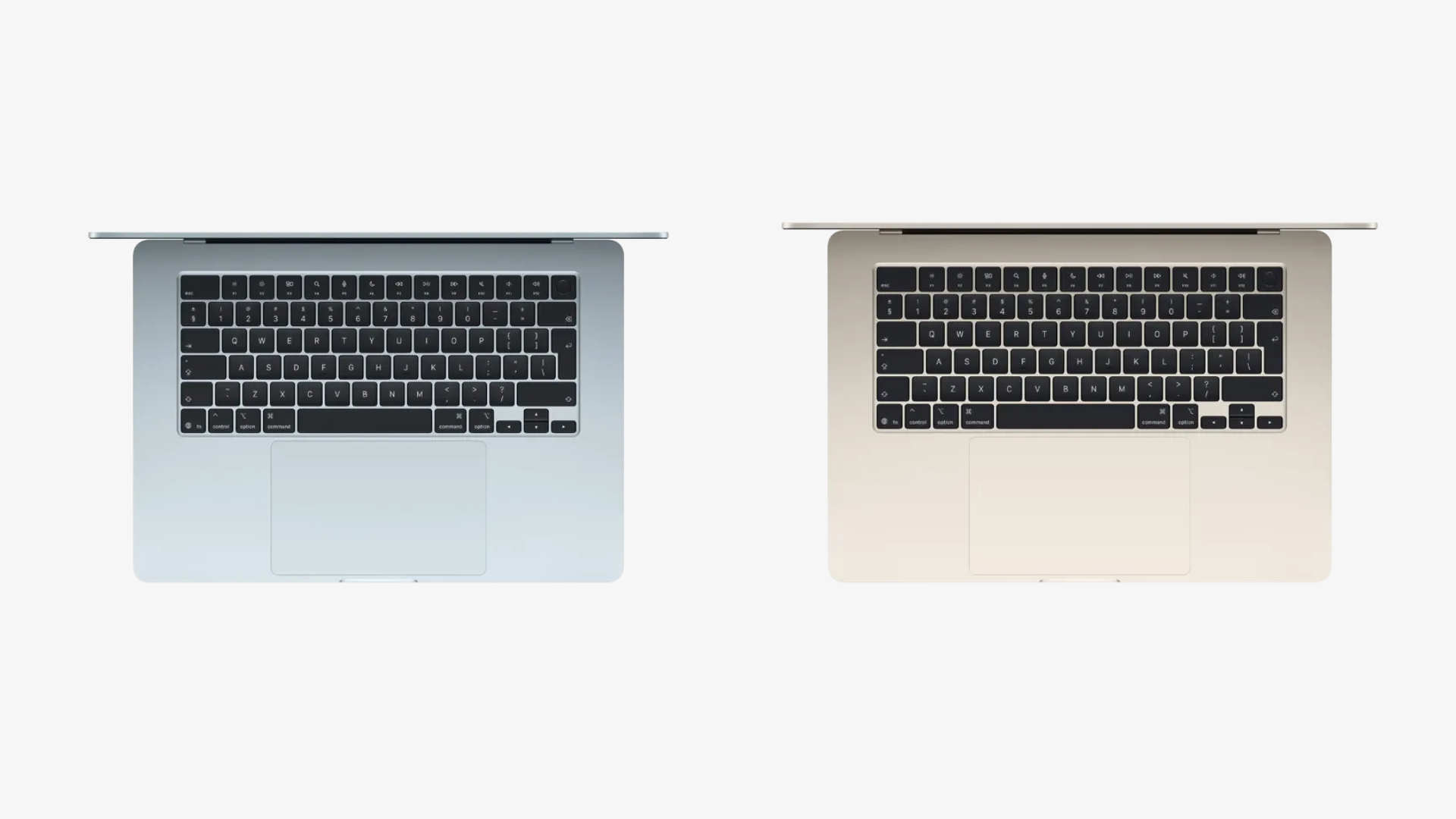
- The Magic Keyboard with a scissor mechanism reduces the chance of accidental keystrokes, the keys work quietly, and the tactile response remains stable. The large Force Touch trackpad on current devices can easily replace a mouse if you do not have one with you.
- The device operates silently and does not overheat thanks to its passive cooling system. The aluminium body dissipates heat, while the chipset itself is energy-efficient.
- You can work without recharging throughout the working day. The battery can handle up to 10–15 hours of continuous development in an IDE.
Buying a MacBook Air for coding is a rational decision. Apple has thought through the details to make even long work sessions comfortable.
How Much Memory Do You Need for Development on a MacBook?
You will not be able to increase the amount of RAM or SSD storage by installing new parts after purchase. It is better to choose a configuration with future needs in mind from the start.

6 GB of unified memory is the minimum threshold for comfortable web development. This is enough for writing light Python scripts and working on frontend and backend development with HTML/CSS, JavaScript, and Node.js.
If you build mobile applications, choose 24 GB. It is better to have extra resources and keep the system running smoothly when you launch a development environment, database, compiler, and smartphone simulator at the same time.
The SSD should have enough space for temporary files, logs, and cache. For this, you need at least 512 GB to store local databases on the device and work on several projects at once. If you manage several long-term projects, 1 TB of storage or more will be more convenient. This makes it easier to keep Docker containers, heavy SDKs, and system libraries without constantly moving everything to the cloud.
You can find MacBook Air models for developers at iSpace. It is easy to test Apple devices in person at our physical stores in Yerevan, while experts both online and offline will help you choose the optimal ultrabook. We are always in touch.
Real Tests: How Good Is a Mac with an M3, M4, or M5 Processor for Programming?
In 2020, Apple released its first laptop with its own M-series chipset. This improved the speed of database processing, compilation, and local builds. High-performance M3, M4, and M5 chips remain stable under load. And for iOS developers, MacBook Air is an essential tool: Apple’s official Xcode development environment and the iOS simulator run on macOS.
Special tests can help show how good MacBook is for Java programmers. Java SciMark 2.0 NIST measures the speed of mathematical and engineering calculations. Java DaCapo shows how the system handles more complex projects. Users note that M5, M4, and M3 chips need less time for builds.
Python developers use PyPerformance for testing. It helps assess the speed of everyday operations:
- script execution;
- data processing;
- calculations;
- working with templates.
M4 and M5 chipsets usually show lower delays during script execution.
Frontend and database work require other tests:
- SQLite Bench checks data read and write speed;
- Webpack Build measures interface build speed;
- Redis Benchmark tests cache performance.
The best MacBook for programmers runs on an M3, M4, or M5 chip. These processors handle Java, Python, iOS, frontend development, and local project testing.
What Is Air Perfect For?
So, the Air laptop series can be used for programming: there is enough memory, it runs quietly, and the processor handles serious workloads. In IT, MacBook Air is used for:
- web development (frontend and backend), working in WebStorm and VS Code, launching databases and local servers;
- coding and automation, creating scripts in JavaScript, Python, PHP, TypeScript, and Go;
- mobile app development (iOS), creating utilities in Xcode.
If you want to buy MacBook Air for programming, visit iSpace. The company has Apple Premium Reseller status in Armenia and offers original devices. Credit and instalment payment options are available, and delivery works across the country. The device will be carefully packed and sent to you quickly.
FAQ
Is MacBook Air Suitable for a Developer in 2026?
Consider your specialization to understand whether MacBook is suitable for developers. The Air series handles iOS development, frontend and backend tasks, study projects, and everyday work with code well.
Which MacBook Should You Buy for Programming Work?
A beginner will be fine with an Air series ultrabook with an M4 chip, 16 GB of unified memory, and a 512 GB SSD. If you work with heavy projects, a configuration with 24 GB of memory and 1 TB of storage is a better choice.
Can You Use Python on MacBook Air?
The device is suitable for Python, data analysis, automation, and study projects. It launches scripts quickly and comfortably handles typical tasks without noticeable delays.
Can You Write Code in C++ on a MacBook?
Yes, you can. Developers usually use Xcode, Visual Studio Code, CLion, or other convenient editors and development environments.
ALSO READ:
iMac or Mac mini: Choosing a Universal Computer for Study and Entertainment
MacBook Air With The M5 Chip — A Unique New Release Of The Year
iPhone 17e — What’s New That Apple Offers
Always be aware!
Subscribe to the newsletter and be the first to know about new promotions and special offers