
Tablе of Content
- 1 iPad Air M4 — One of The Main Apple Releases Of 2026
- 2 Innovations of iPad Air M4
- 3 Main Specifications of iPad Air M4
- 4 Versions With 11 And 13 Inches
- 5 Is The Display Enough For Work And Entertainment?
- 6 Performance of iPad Air M4 in Real Scenarios
- 7 Do You Need Accessories For iPad Air M4 — Apple Pencil Pro And Magic Keyboard?
- 8 Who Should Consider iPad Air M4?
- 9 FAQ
On March 2, 2026, Apple released a new tablet in the Air series. We’ve gathered interesting information about the iPad Air M4: specs and differences from devices of previous generations, new features, and technologies. If you want to upgrade and are considering which version of the new model to choose — the 11-inch or 13-inch — this article is for you.
iPad Air M4 — One of The Main Apple Releases Of 2026
Apple fans had good reason to expect news about new devices — the released tablet model is equipped with the M4 chip, which was previously used in gadgets from the Pro family. Working and creating content has become even more enjoyable.
Innovations of iPad Air M4
The use of the M4 chip has positively affected the tablet’s performance. It is 30% faster than the iPad Air M3. And if you compare the new model with the M1 version, the device processes tasks 2.3 times faster.
The unified memory with 8 GB has increased to 12 GB, and the bandwidth now reaches 120 GB/s. Content processing, rendering, and Apple Intelligence tools take less time.
Now the device can also boast its own 5G modem C1X and the N1 wireless chip. The tablet supports the new Wi-Fi 7 and Bluetooth 6 standards for a stable connection.

Main Specifications of iPad Air M4
The specifications of the iPad Air M4 make it a fully independent device: you can take notes and write text, edit photos, and draw without connecting additional accessories (although they can still be useful).
| Specification | Value |
| Display | Liquid Retina |
| Diagonal, Inches | 11 and 13 |
| Refresh Rate, Hz | 60 |
| Chip | M4, CPU — 8 cores, GPU — 9 cores |
| Neural Engine System, Cores | 16 |
| Unified Memory, GB | 12 |
| Storage | 128, 256, 512 GB or 1 TB |
| Main Camera | 12 MP, 4K video available |
| Front Camera | 12 MP, Center Stage |
| Dimensions, mm | 247.6×178.5×6.1 (11 inches)
280.6×214.9×6.1 (13 inches) |
| Battery Life, Hours | Up to 10 |
| Connectivity | N1 chip, 5G modem C1X |
The device is quite autonomous and offers solid performance. At the same time, the price of the gadget remains fairly affordable.
Versions With 11 And 13 Inches
Apple developers stayed true to the signature minimalist design. You can choose from four colors: Blue, Purple, Space Gray, and Starlight.
Both versions — 11 and 13 inches — are versatile. They are used for documents and graphics, reading and taking notes, watching and editing videos. Choose the screen size based on your personal preference. By the way, when paired with the Magic Keyboard, the 13-inch model resembles the MacBook Air 13.6″.
Is The Display Enough For Work And Entertainment?
The Liquid Retina display with P3 color gamut support delivers excellent image quality. Thanks to True Tone technology, the color temperature automatically adjusts to the surrounding lighting.
The device is suitable for study and work projects, digital design, and content viewing. The brightness of up to 600 nits makes it easy to see text and video details even on a sunny day. 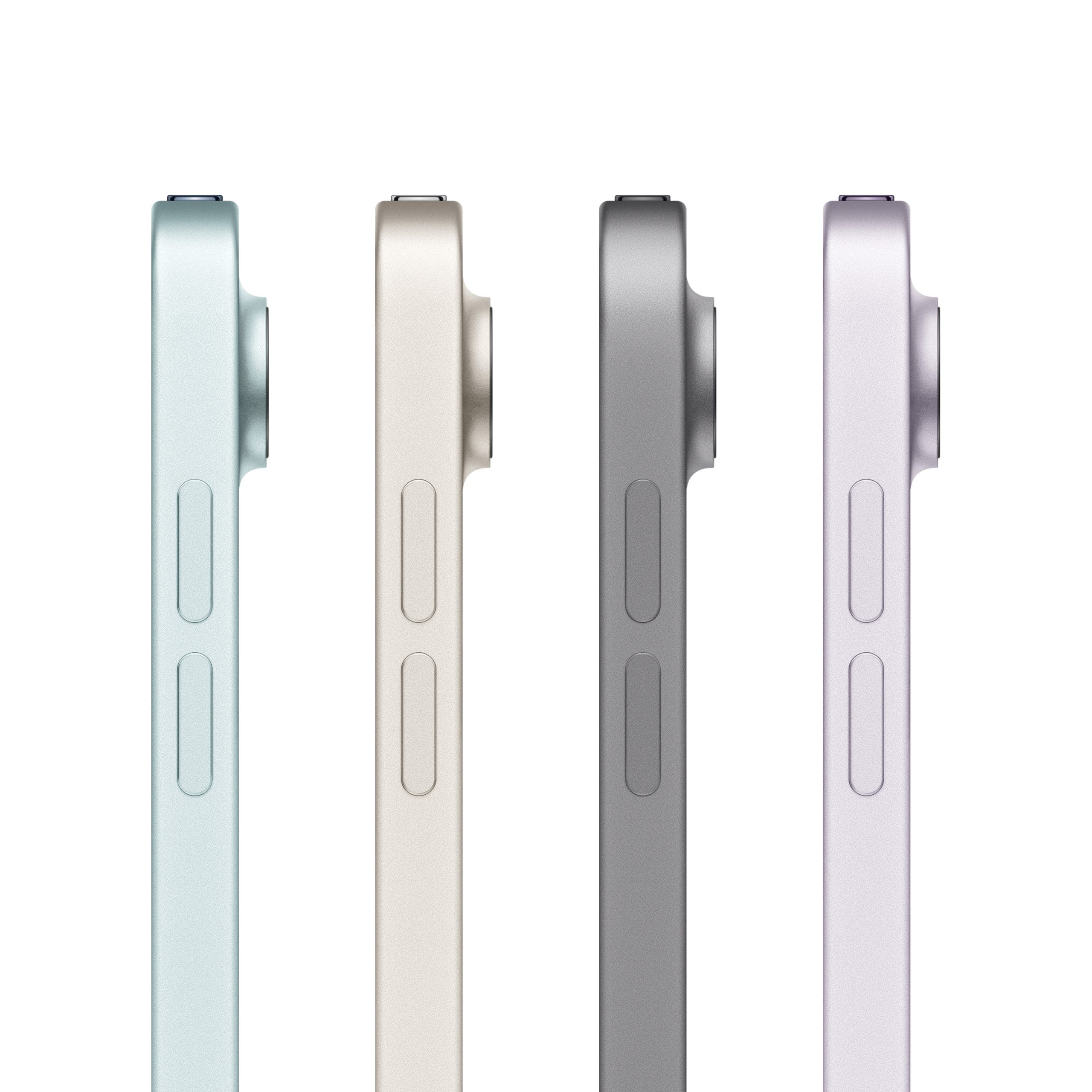
Performance of iPad Air M4 in Real Scenarios
A review of the iPad Air M4 would be incomplete without evaluating real performance. The hardware is powerful enough even for professional software.
For Study And Work
The Apple tablet can serve as a practical alternative to a laptop. Its lightweight design (up to 671 g) makes it convenient for trips, while work video calls remain comfortable thanks to the landscape camera. With the increased memory capacity, processing large amounts of data becomes easier.
Using The New Device For Drawing, Photo, And Video
Video editing, photo processing, and illustration creation are also simplified on the new device. Rendering becomes faster thanks to improved ray tracing. For the best drawing experience, use the brand’s signature stylus.
Multimedia And Games
Streaming, watching videos, and gaming can be done without worrying about the device freezing. The tablet makes it easy and comfortable to enjoy entertainment both at home and on the go.
More Details About iPad Air M4 Battery Life
Without recharging, the device operates for up to 8–10 hours under different workloads. This is enough for long trips or a full workday. Keep in mind that connecting a keyboard and stylus affects energy consumption. In this case, the battery will last about 6–8 hours.
Do You Need Accessories For iPad Air M4 — Apple Pencil Pro And Magic Keyboard?
The Apple Pencil Pro stylus is useful for artists, digital designers, tattoo artists who create their own sketches, and anyone who prefers writing notes by hand. The keyboard helps transform the tablet into a laptop and also serves as a stand for the display. 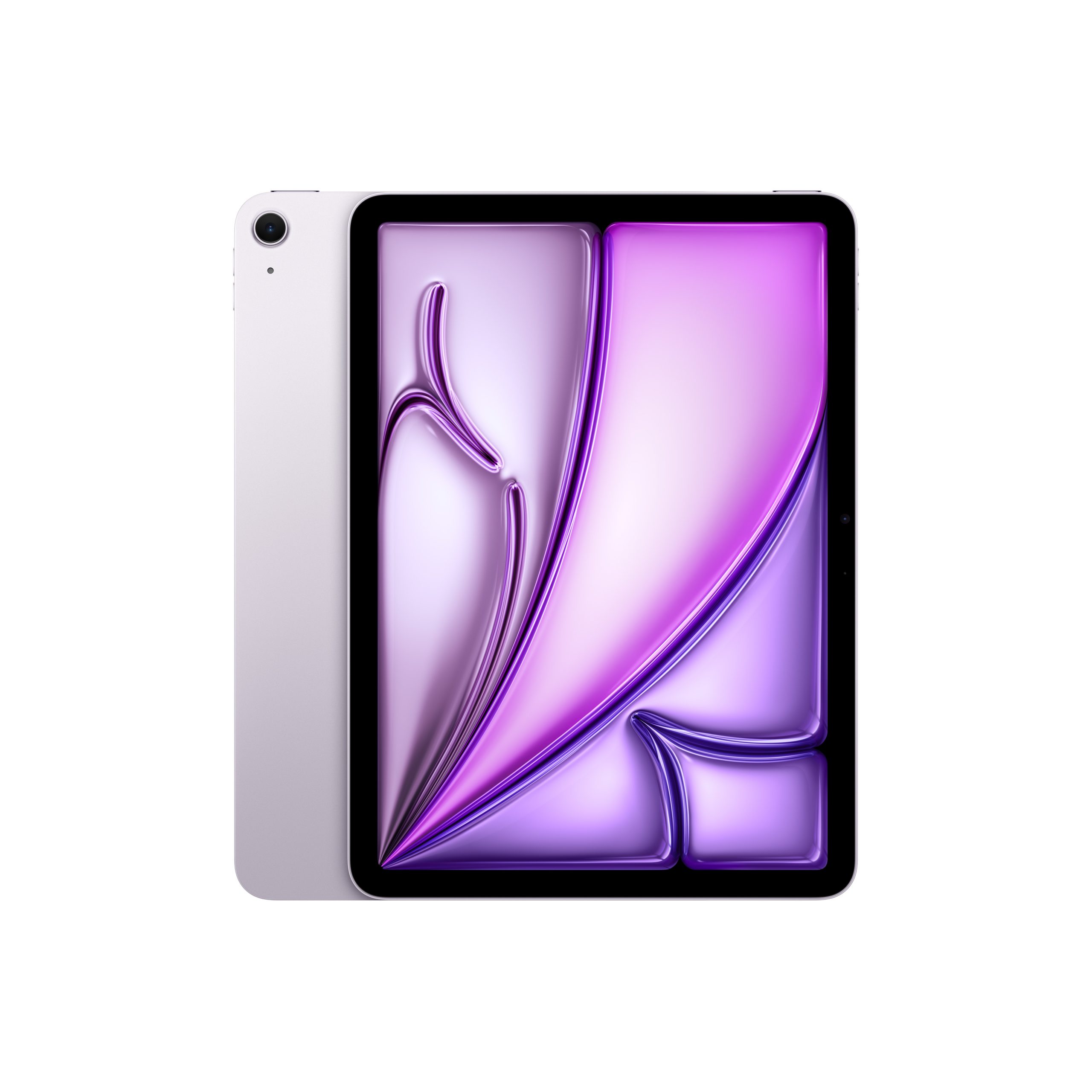
Who Should Consider iPad Air M4?
The new device suits students, office employees, and beginner designers. The tablet easily handles books, movies, basic content creation, and games.
Very soon, the new model will be available for testing and purchase at iSpace — Apple Premium Reseller in Armenia. You can visit physical stores in Yerevan or place an order through the online store. To make the purchase even more convenient, you can use credit or installment payment options.
FAQ
Comparison of iPad Air M4 with iPad Air M3: what’s new?
The improved performance of the M4 chip makes the new model up to 30% faster than the previous version. The device also received new connectivity capabilities and a larger amount of RAM.
Which version to choose — 11 or 13 inches?
The lighter and more compact 11-inch version is convenient for frequent travel. If you plan to use the device as a laptop, choose the 13-inch model.
Is the device suitable for study and work?
iPad Air M4 is convenient for study and work. Both basic and professional applications run smoothly, and video calls are more comfortable thanks to the front camera.
What are the differences between iPad Air M4 and iPad Pro?
The main difference lies in performance. The M5 processor in the Pro lineup has more cores. Another difference is the Ultra Retina XDR display with a 120 Hz refresh rate compared to 60 Hz in the new Air series version.
MORE ON THE TOPIC
Apple iOS 26: Top Features in the Latest Update
Turning iPad into a Laptop: How to Customize the Gadget in a New Way
MacBook Pro M5 and iPad Pro M5: A New Era of Performance with Apple Intelligence
Always be aware!
Subscribe to the newsletter and be the first to know about new promotions and special offers