
Tablе of Content
- 1 MacBook In 2026: Which Models Are Still Relevant?
- 2 Which Device Should You Choose Based On Your Tasks And Performance Needs?
- 3 How Much Memory And SSD Storage Should You Get In 2026?
- 4 Display And Brightness
- 5 Battery Life And Thermal Performance
- 6 Which MacBook Should You Choose Based On Your Budget?
- 7
- 8 FAQ
If you’ve decided to buy a new laptop and are wondering how to choose a MacBook for work tasks, studying, or creative projects, this article is for you. Last year, Apple introduced two new models: a lightweight Air-series laptop powered by the M4 chip and a high-performance Pro-line model with the new M5 chip. The difference in their capabilities is noticeable.
MacBook In 2026: Which Models Are Still Relevant?
In 2026, both device lineups remain in demand, and each includes several generations or configurations. See the details in the table below.
| Model | Display | CPU, Cores | GPU, Cores | Memory (RAM), GB | Storage (SSD) | Battery Life, Hours |
| Air 13″ And 15″ (M4) | Liquid Retina | 10 | 8–10 | 16–32 | From 256 GB To 2 TB | Up To 18 |
| Pro 14.2″ And 16.2″ (M4 Pro) | Liquid Retina XDR | 12–14 | 16–20 | 24–48 | From 512 GB To 4 TB | Up To 22–24 |
| Pro 14.2″ And 16.2″ (M4 Max) | Liquid Retina XDR | 14–16 | Up To 40 | 36–128 | From 1 TB To 8 TB | Up To 18–21 |
| Pro 14.2″ (M5) | Liquid Retina XDR | 10 | 10 | 16–32 | From 512 GB To 4 TB | Up To 24 |
Among these devices, you can easily find an option both for office work and studying, as well as for professional tasks involving resource-intensive applications.
Which Device Should You Choose Based On Your Tasks And Performance Needs?
With each generation, Apple’s M-series chips become more powerful and better suited to the growing demands of users in 2026. The logic is simple: the newer the processor, the higher the performance.
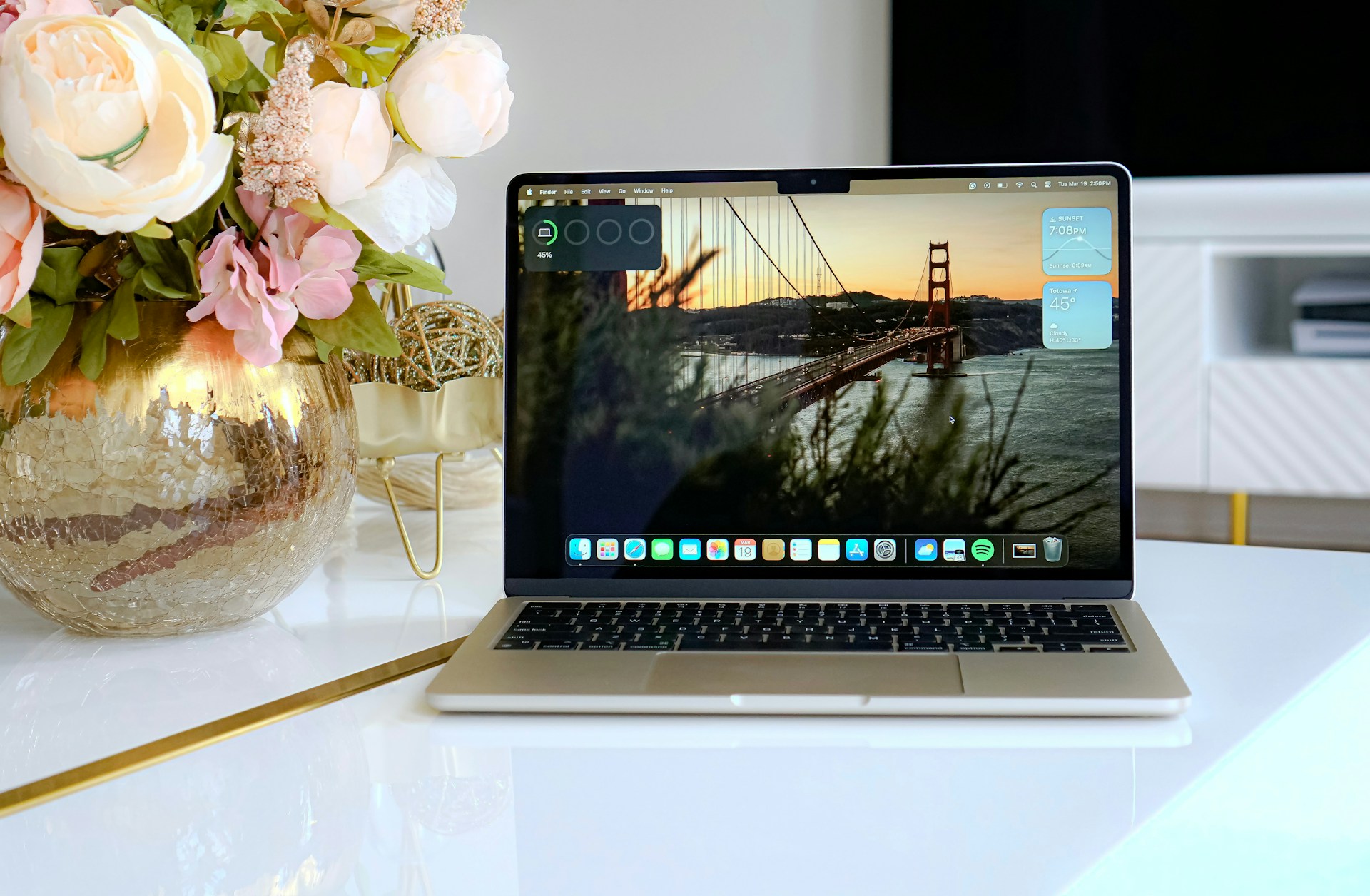
As for intended use, the MacBook Air is a strong fit for everyday office work, light photo editing, basic video editing, and handling hundreds of open browser tabs. If you regularly work with 4K/8K video, large-scale engineering projects, programming workloads, or 3D graphics, consider choosing a MacBook Pro.
How Much Memory And SSD Storage Should You Get In 2026?
The basic minimum for RAM is 16 GB. That’s enough for browsing the web, office tasks, and running everyday apps. If you’re used to keeping a lot of tabs open, or you work with video editing or complex graphics, it’s better to choose a device with 24–32 GB.
A 256 GB SSD works as a starter option. Over time, as you accumulate media and work files, it may feel limiting, many people expand storage with iCloud. Alternatively, you can choose a device with a couple of terabytes right away and not worry about free space.
Display And Brightness
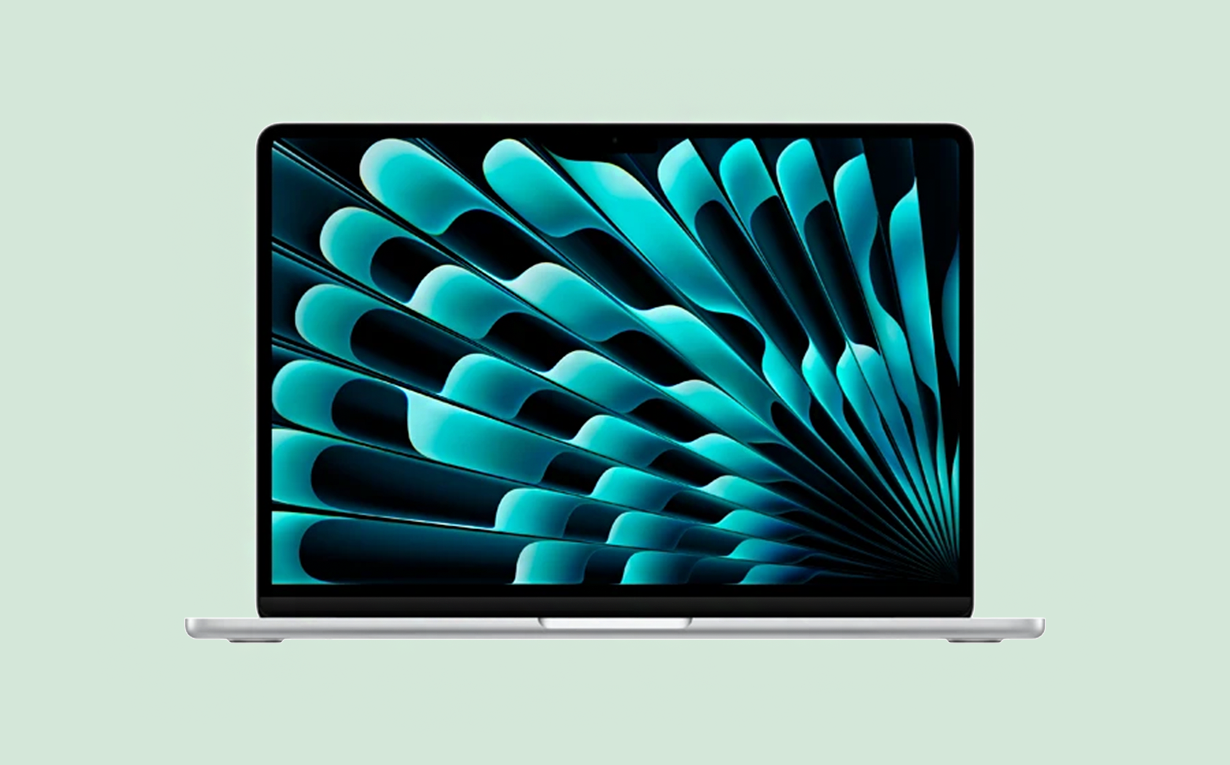
The Air lineup comes in two screen sizes: 13″ and 15″. The display delivers realistic color, supports the wide P3 color gamut, and works well for high-quality content tasks.
In the professional lineup, there are 14″ and 16″ displays. The backlight is noticeably brighter, and ProMotion provides an adaptive refresh rate, which can make long sessions working with graphics a bit more comfortable.
Battery Life And Thermal Performance
Battery life on the latest Mac models ranges from 18 to 24 hours. That’s typically enough for two full workdays.
The Pro lineup uses active cooling with fans, which helps prevent overheating. Air models rely on passive cooling, and heat dissipation is improved thanks to the aluminum chassis and the energy-efficient chip.
Which MacBook Should You Choose Based On Your Budget?
Choose a model based on the tasks you plan to handle. For everyday work, documents, spreadsheets, web browsing, and studying, the Air lineup is usually enough. For video editing, graphics work, and programming, it’s more practical to go with a Pro. Pay attention to memory capacity, both unified memory and storage, since prices vary depending on the configuration.

iSpace — Apple Premium Reseller In Armenia
iSpace, an Apple Premium Reseller in Armenia, is a place where you can test current devices and buy them. Visit the physical stores in Yerevan or place an order in the online store with delivery. You can also get expert advice and use favorable purchase options, such as installment plans.
FAQ
Which MacBook Is Better To Buy In 2026?
The final choice depends on the user’s tasks and budget. Current-generation processors offer strong performance headroom, and Apple provides free software updates for many years.
What Is Considered The Minimum Memory For Studying And Work?
The baseline RAM recommendation is 16 GB. That’s enough for routine tasks, studying, and creative work.
Is A MacBook Air Enough For Design And Video?
Air models can handle lighter design tasks and basic video editing. For heavier apps and larger workloads, it’s better to choose a Pro-line model.
How Many Years Does A Modern MacBook Last?
A MacBook remains “current” as long as Apple releases updates for it. Even after that, it can still be productive. Generally, the newer the model, the longer it will meet a user’s needs.
Can You Buy The Base Model, Or Do You Need To Upgrade?
Check performance and specs at the buying stage, after purchase, you won’t be able to change the configuration. Evaluate your tasks and choose RAM and SSD capacity accordingly.
Which MacBook Is Better For Travel And Remote Work?
Air models are positioned from the start as options for travel, remote work, and business trips. They’re a great fit for people with an active lifestyle who often work outside the office.
ALSO READ:
MacBook Pro 14 2025 Review: a Laptop for Those Who Demand More
How to Use a MacBook to the Max: Customize Laptop After Purchase
What can you do to make your iPhone, iPad, or MacBook battery last longer?
MacBook as a gaming computer. Which model to choose?
Always be aware!
Subscribe to the newsletter and be the first to know about new promotions and special offers